Notes and releases.
Everything about Beat Studio and how it's being built.
- Tutorial
How to Build a Drum Kit From a Song's Drum Stem
A step-by-step Beat Studio workflow for cutting kick, snare and tom samples from a song's drum stem, shaping them, and playing the song on its own drum sound.
- Release
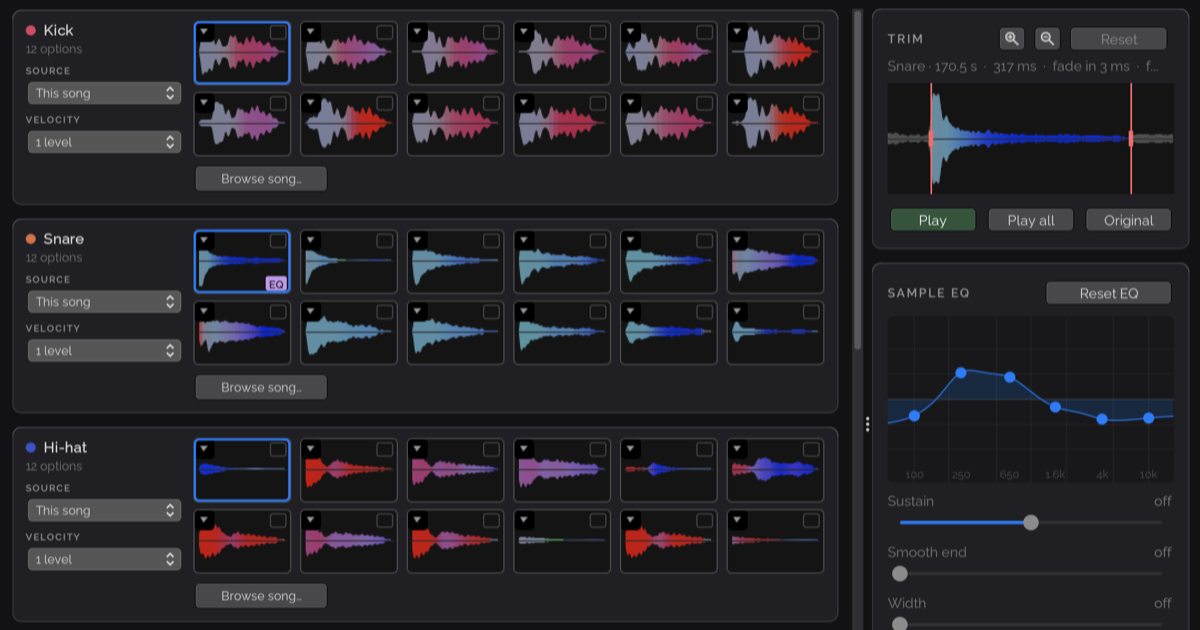
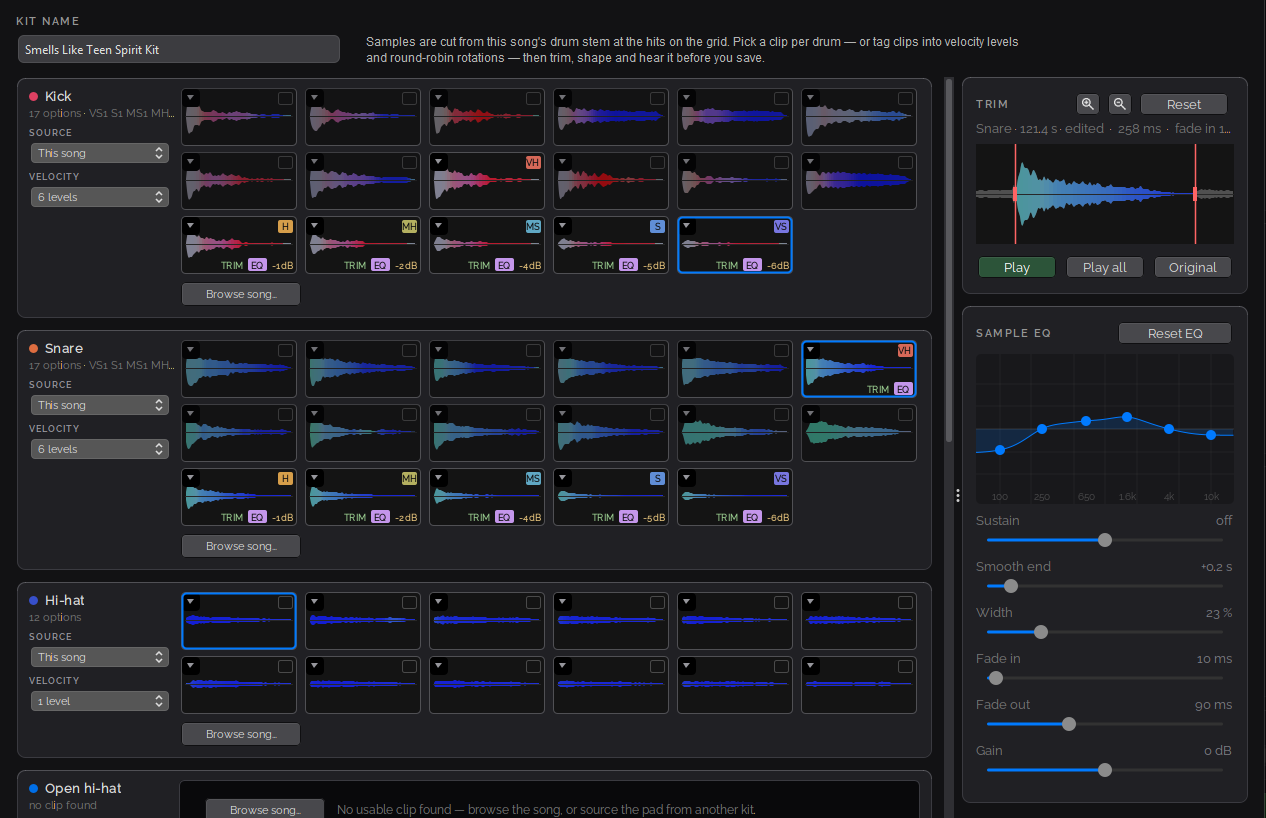
Beat Studio 1.8: Turn Any Song Into a Drum Kit
Beat Studio 1.8 builds a playable drum kit from a song's drum stem, adds round-robin samples, softer velocity layers, crash detection and in-app MIDI mapping.
- Release
Beat Studio 1.7.0: Refreshed, Expanded, Reorganised
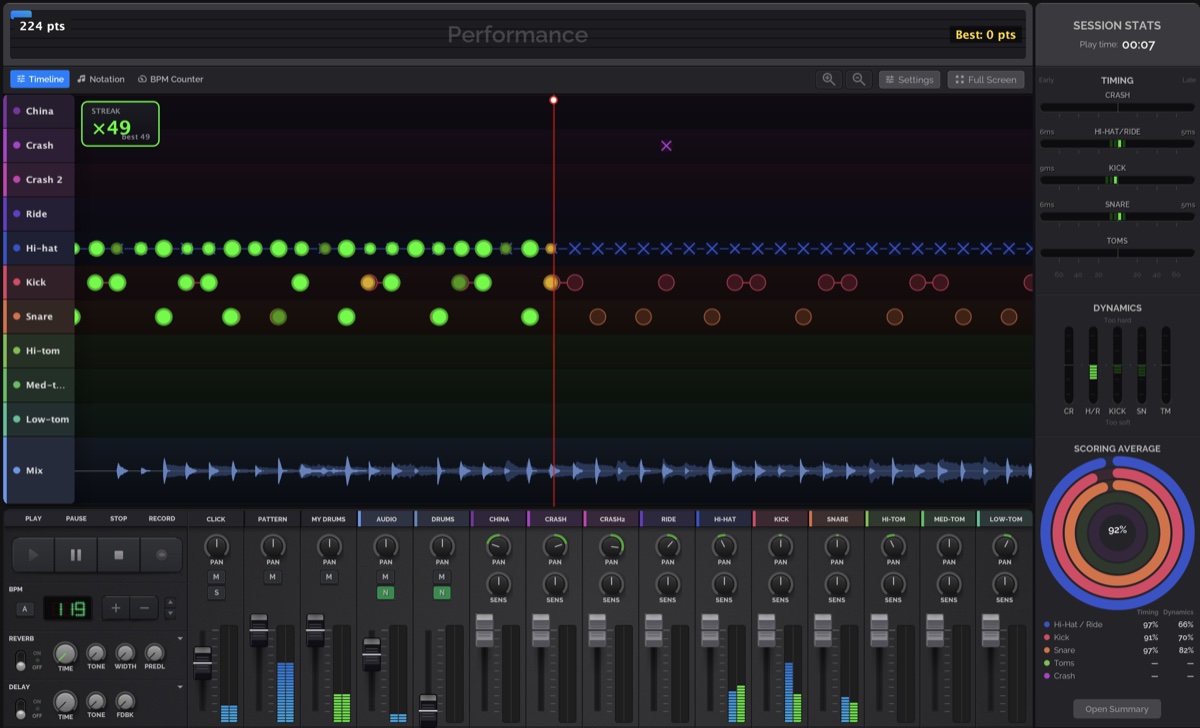
Beat Studio 1.7.0 leaves beta with a darker theme, triplets and tempo marks in notation, full-screen transport controls, and a rebuilt Settings dialog.
- Release
Beat Studio 1.6.0-BETA: Variable Tempo
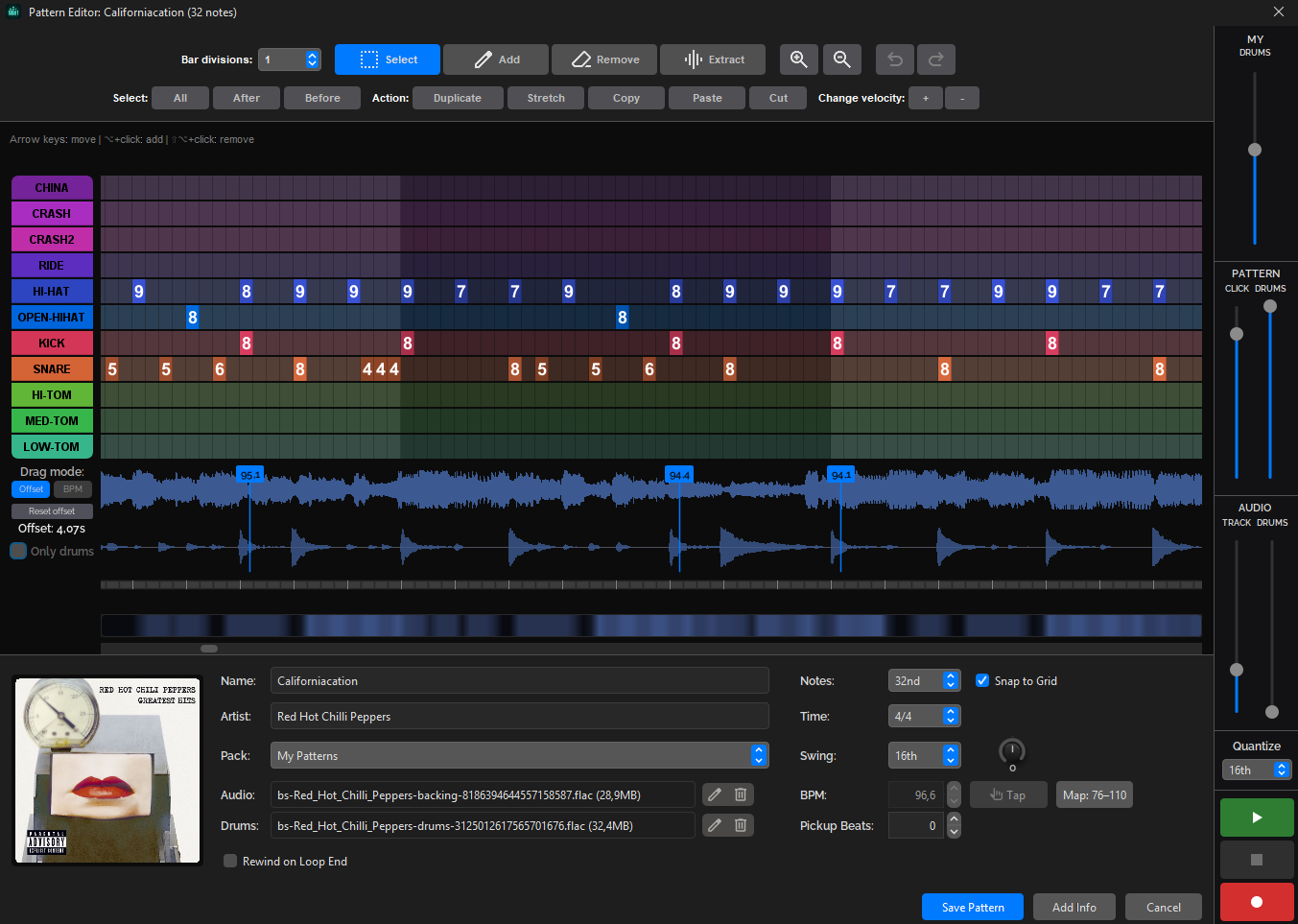
Beat Studio 1.6.0-BETA adds variable tempo so patterns follow a song's real tempo curve, a new pattern creation wizard with audio sync, and retires Core.
- Update
New: FAQ and Troubleshooting Pages
I've added a FAQ page covering tiers, pricing, MIDI setup, and more — plus a dedicated troubleshooting guide for the most common Beat Studio problems.

- Release
Beat Studio 1.3.0-BETA: Flexibility & Feedback
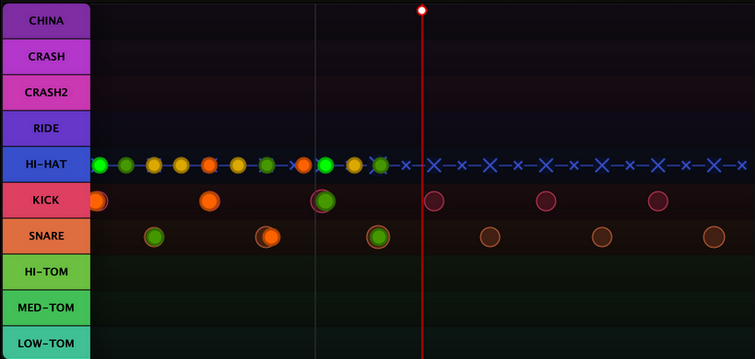
Beat Studio 1.3.0-BETA brings in-app MIDI device switching, latency compensation modes, scoring-colored timeline hits, and pattern editor sub-divisions.
- Tutorial
Meet SENS — the knob that makes your kit feel right
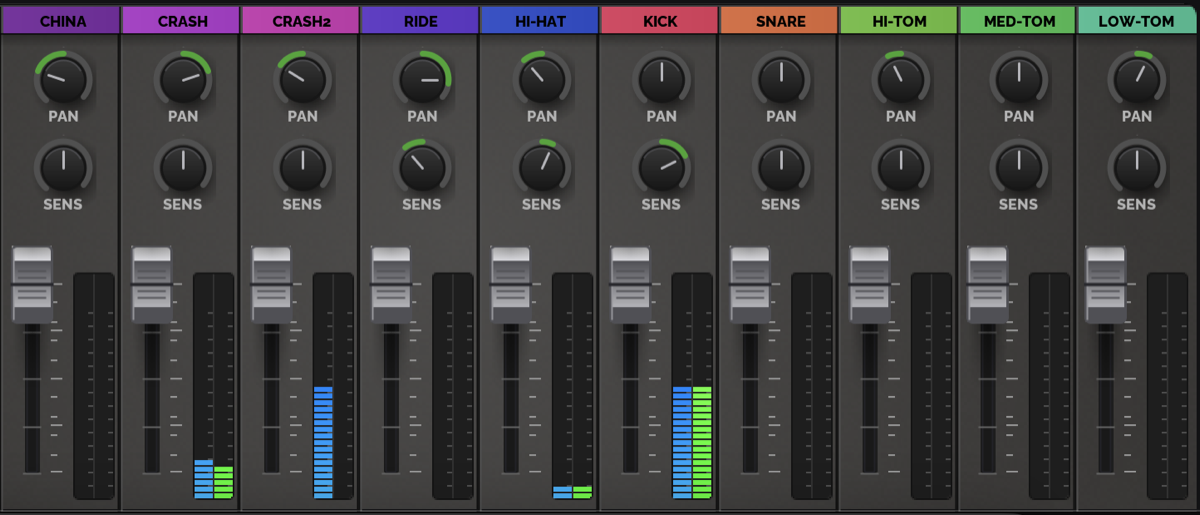
SENS reshapes the velocity curve on each drum channel of the Beat Studio mixer — boost ghost notes, tame hot pads, and dial in how every drum feels.
-
Why I built Beat Studio
An electronic drum kit, a 10-year-old who got hooked, and a frustrating search for a flexible drum app — and what came out of it.
- Release
Beat Studio 1.2.0-BETA: Pattern Packs
Pattern Packs — a new way to organize, share, and discover drum patterns. Plus tempo sync, pattern info fields, score indicators, and a stack of fixes.