
Beat Studio 2.1.1: Windows Installer and Fixes
Beat Studio 2.1.1 adds a proper Windows installer with fewer antivirus false alarms, bundles the Visual C++ runtime, and fixes several pattern editor issues.
This is a small update with a few fixes and some fine-tuning. The main change is for Windows: there’s now a proper installer, and antivirus programs should raise far fewer false alarms about the app. The pattern editor also gets some smaller improvements and fixes.
New
- Windows now has a proper installer.
- It installs per user.
- It adds Start menu and desktop shortcuts.
- You can uninstall it from Settings → Apps.
- Installing a newer version upgrades the old one automatically.
- Your patterns and settings are kept through upgrades and uninstalls.
- Rounded menus and tooltips. Context menus, dropdown lists and tooltips now have rounded corners on macOS and Windows 11.
Improvements
- Pattern editor, tempo/offset strip: right-drag now does whichever mode isn’t selected. In Offset mode it adjusts BPM; in BPM mode it slides where the audio starts. The hints and tooltips have been updated to match.
- Pattern editor: clicking the Stretch button again turns stretch mode off.
- Windows: the required Microsoft Visual C++ runtime now comes with the app, so drum separation (audio import) works on a clean PC with nothing extra to install. If it’s still missing, the app tells you which download you need instead of failing silently.
- Windows: ffmpeg now runs from the install folder instead of being copied out at first launch. This means fewer antivirus false alarms.
Fixes
- Pattern editor: the editor’s own mixer levels (backing, stems, drums) are applied correctly again.
- Keyboard shortcuts no longer reach the trainer while a dialog is open.
- Pop-ups and messages from the pattern editor now open in the right place.
New tutorials and help
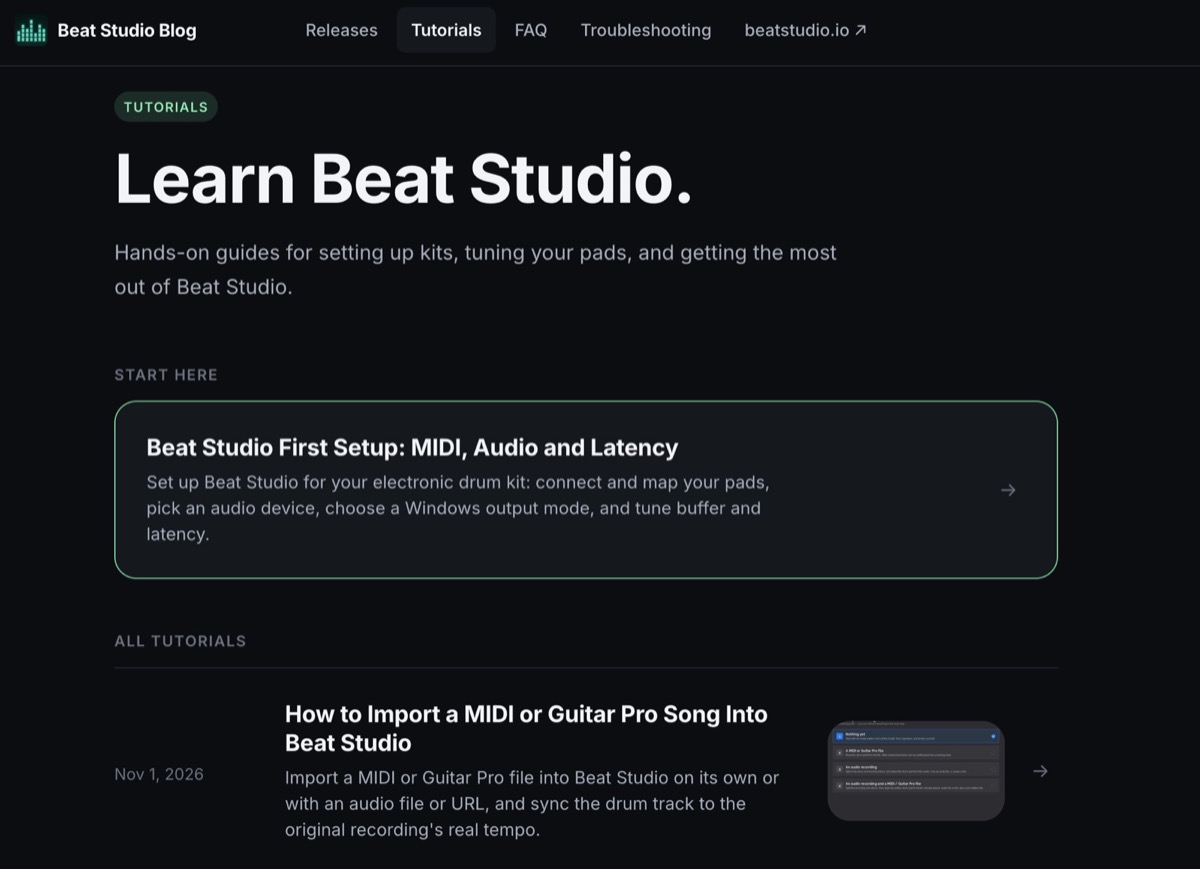
There are new tutorials on creating patterns from audio, MIDI and Guitar Pro files on the tutorials page — for example importing a MIDI or Guitar Pro song and extracting drum hits from audio. The FAQ and Troubleshooting pages have also been updated.
How to download
You can download the new version from the download post on Patreon or from the Gumroad product page.
Enjoying Beat Studio?
If Beat Studio has helped your practice, I’d really appreciate a short review on Gumroad. It only takes a minute, and it’s one of the best ways to help other drummers find the app. Thank you!