Learn Beat Studio.
Hands-on guides for setting up kits, tuning your pads, and getting the most out of Beat Studio.
All tutorials
-
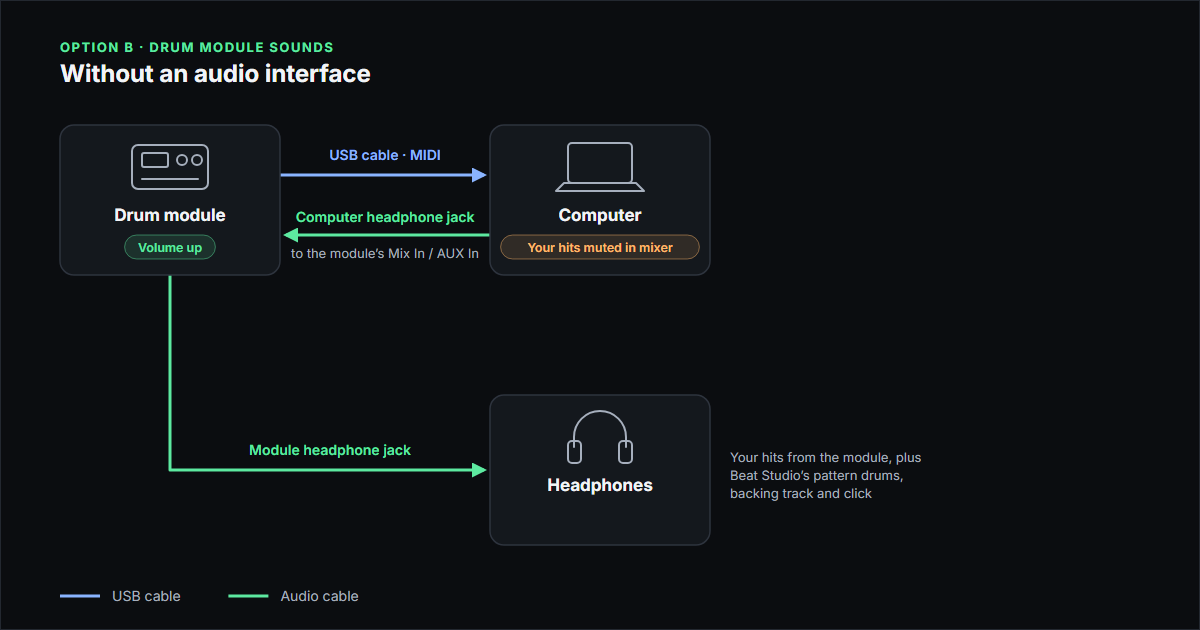
Use Drum Module Sounds in Beat Studio: Wiring Guide
Connect your electronic drum kit to hear your module's own sounds while you train in Beat Studio, with or without an audio interface: every cable explained.
-
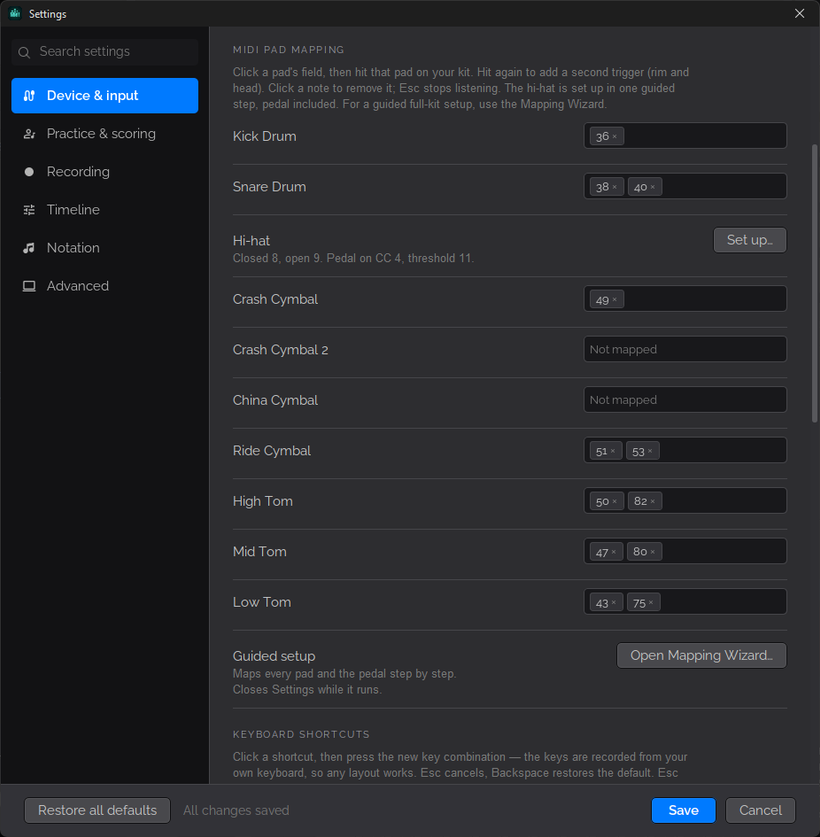
Map Your Drum Pads in Beat Studio: MIDI Mapping Guide
Map every pad of your electronic drum kit in Beat Studio with the Mapping Wizard or by hand, including rim zones and the hi-hat pedal, then test each pad.
-
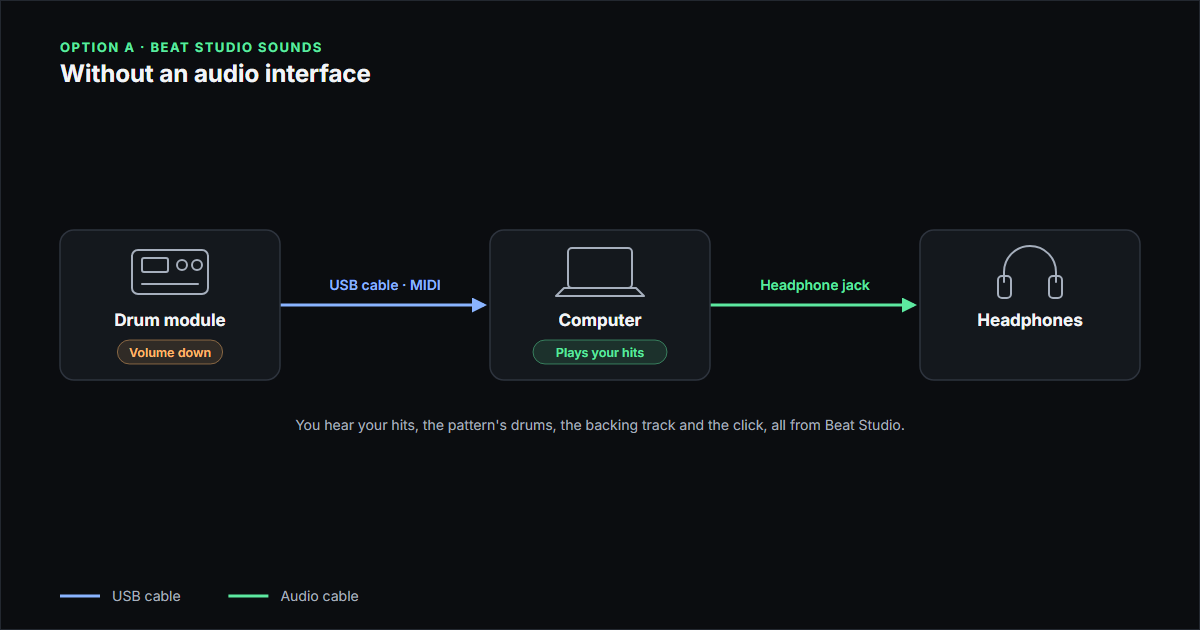
Use Beat Studio Sounds With E-Drums: Wiring Guide
Connect your electronic drum kit to play Beat Studio's own sounds, with or without an audio interface: which cable goes where and which output to choose.
-
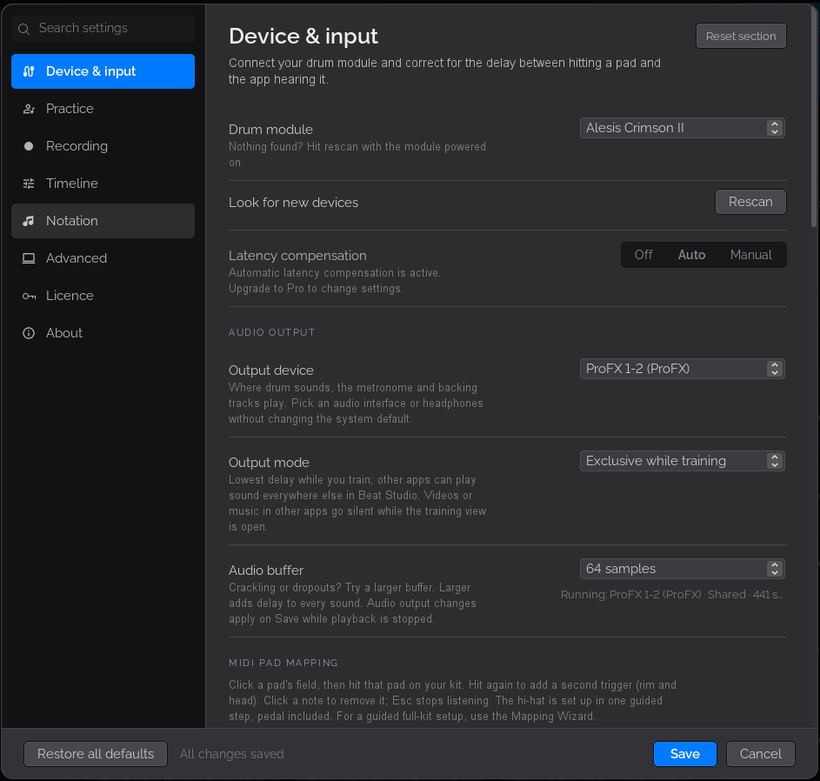
Windows Audio Output Modes in Beat Studio Explained
Choose the right Windows output mode in Beat Studio: Auto, Exclusive, Shared or Exclusive while training, and fix other apps going silent while you practise.
-
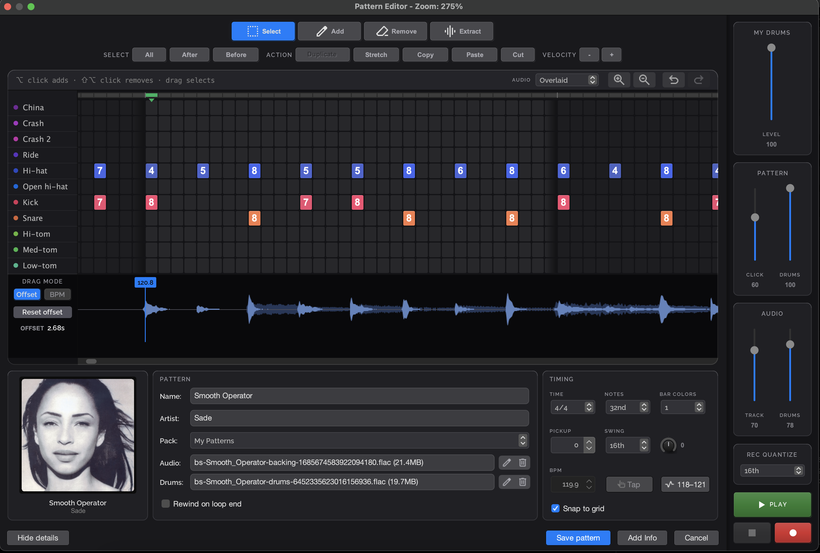
How to Edit a Drum Pattern in Beat Studio
Use the Beat Studio pattern editor to add, remove and move hits, set velocities, copy and paste sections, record from your kit and line the grid up with a song.
-
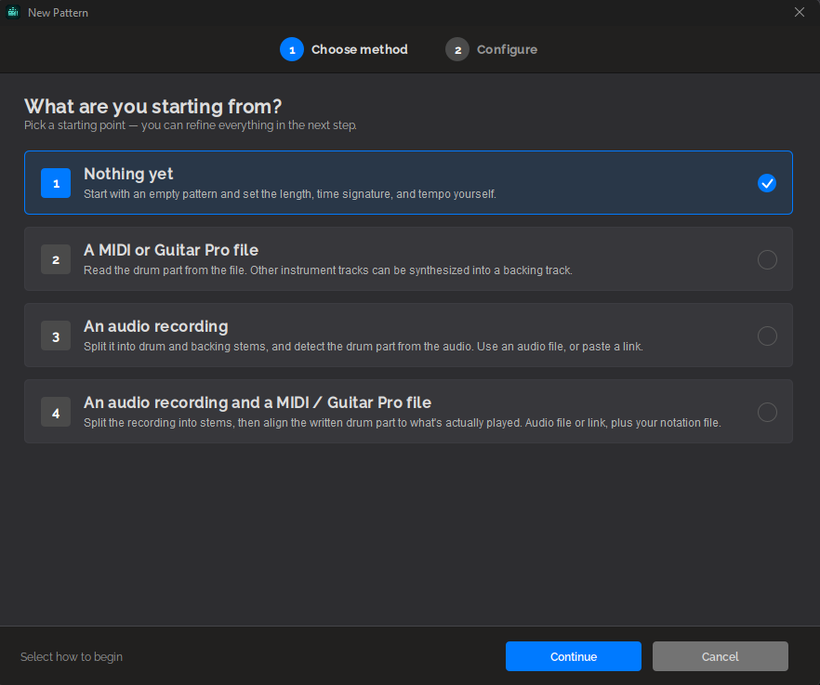
How to Import a MIDI or Guitar Pro Song Into Beat Studio
Import a MIDI or Guitar Pro file into Beat Studio on its own or with an audio file or URL, and sync the drum track to the original recording's real tempo.
-
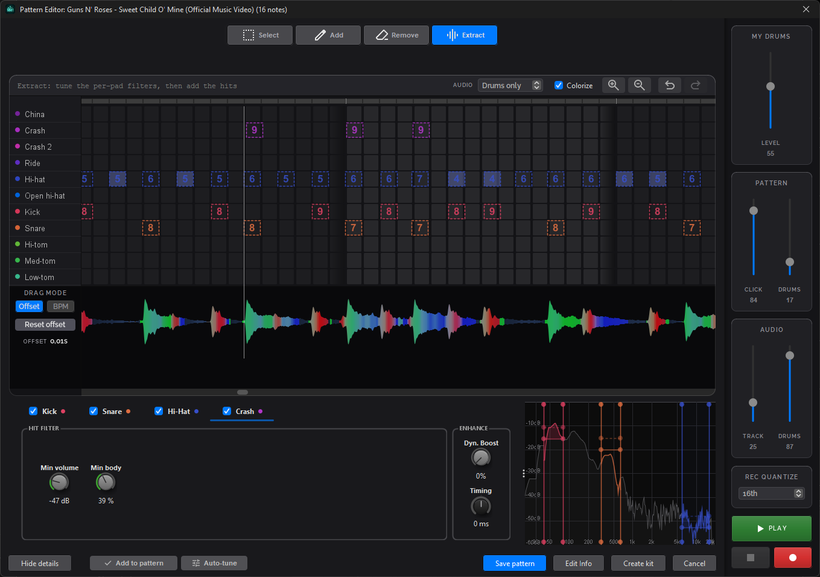
How to Extract Drum Hits From Audio in Beat Studio
Use Extract mode in the Beat Studio pattern editor to detect kick, snare, hi-hat and crash hits from a song's drum stem and turn them into a playable pattern.
-
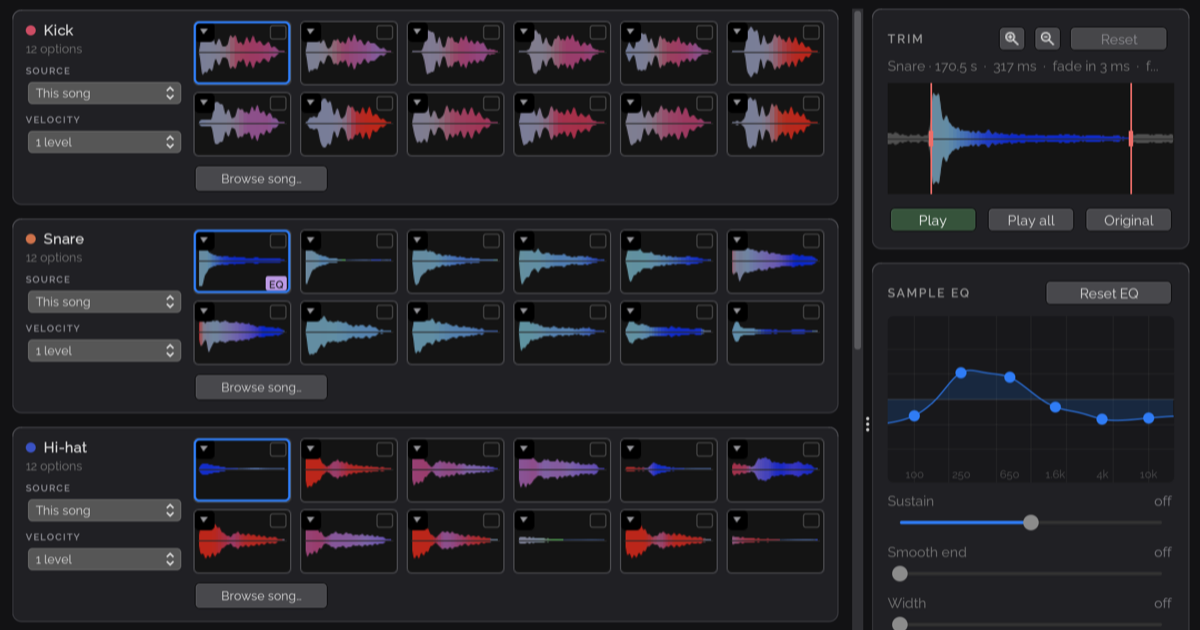
How to Build a Drum Kit From a Song's Drum Stem
A step-by-step Beat Studio workflow for cutting kick, snare and tom samples from a song's drum stem, shaping them, and playing the song on its own drum sound.
-
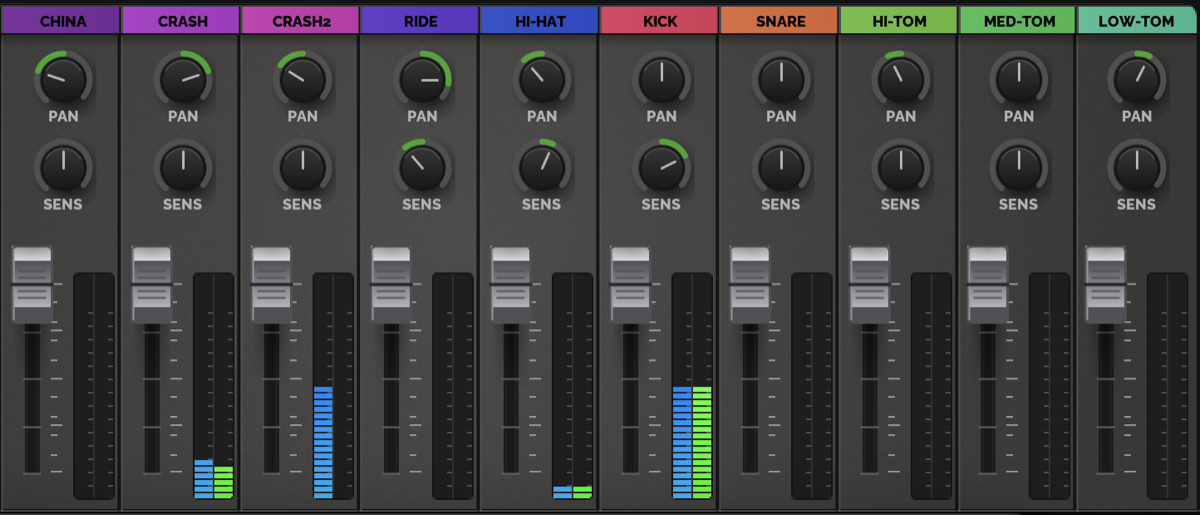
Meet SENS — the knob that makes your kit feel right
SENS reshapes the velocity curve on each drum channel of the Beat Studio mixer — boost ghost notes, tame hot pads, and dial in how every drum feels.